

Run an AI Agent on a task
This is the flow at the heart of Retask: take a real task, hand it to an AI Agent, and watch it do the work in a safe environment — without leaving the app. It ties together every concept in these guides, so it’s the best way to see how the pieces work as a whole.
The journey in one line:
Task (what to do) → Agent (who does it) → Sandbox (where it runs) → Session (the live run) → Result (back on the task).
Step 1 — Pick or create a task
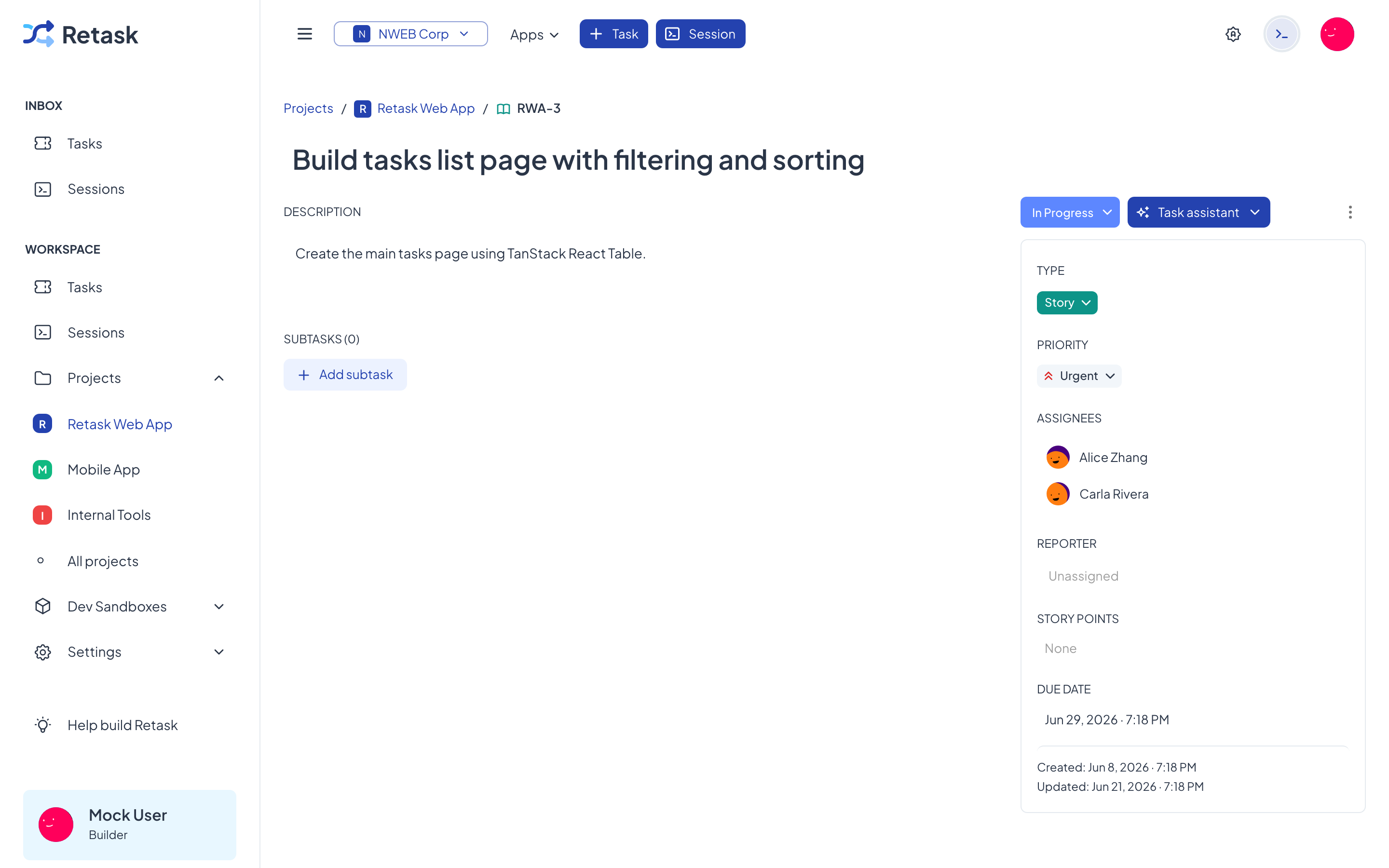
Section titled “Step 1 — Pick or create a task”Start from a clear task. The clearer the description, the better the agent does — treat it like a brief for a new teammate. A good task says what to change and what done looks like.
Open the task’s detail page. You’ll use the Task assistant here in a moment.
Step 2 — Run the agent from the Task assistant
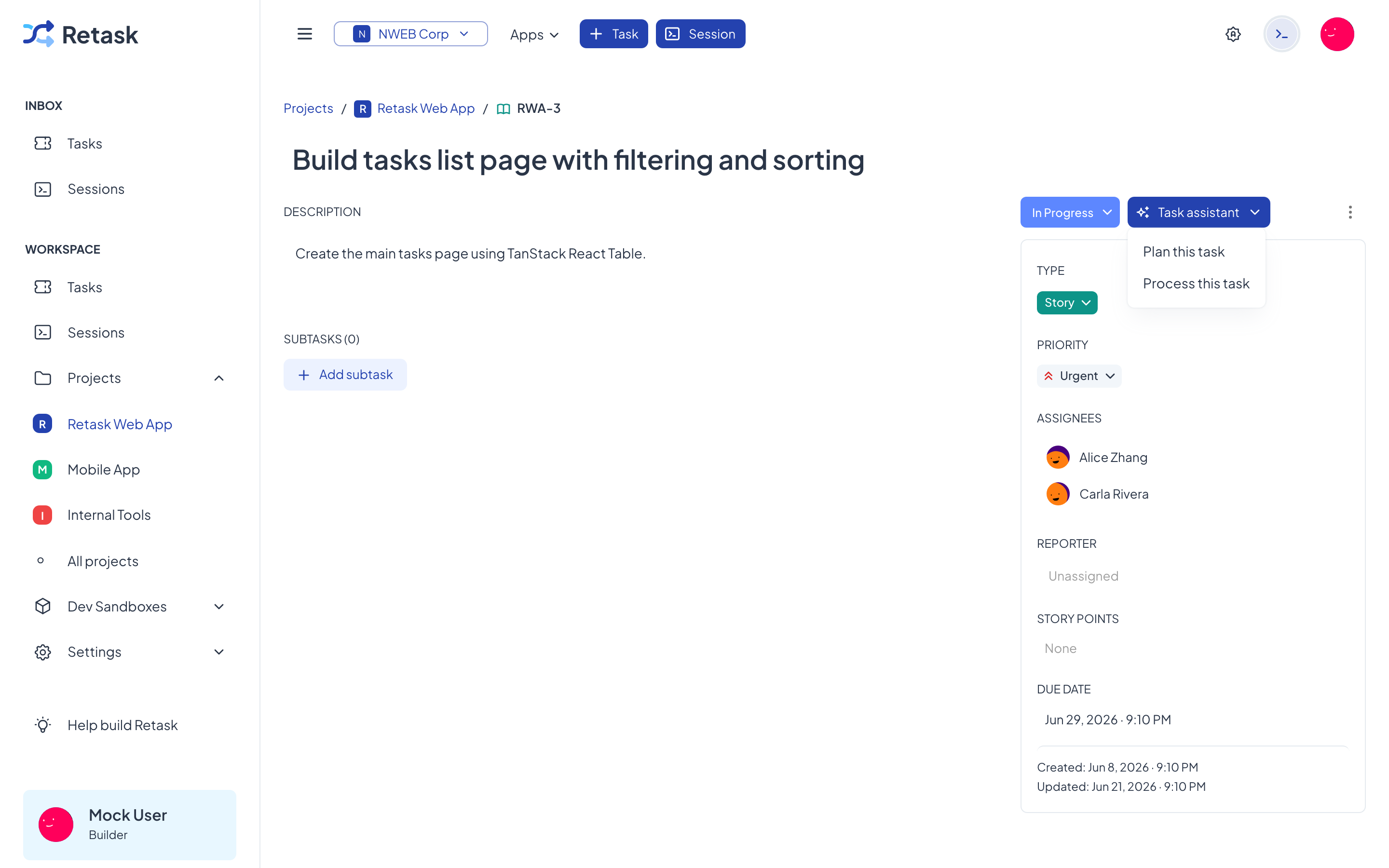
Section titled “Step 2 — Run the agent from the Task assistant”Open the task and use the Task assistant menu, next to the status. It offers two actions, one for each agent role:
- Plan this task — hand it to a Task planner agent, which breaks the work down and plans it out.
- Process this task — hand it to a Task processor agent, which does the work.
Pick one and the agent starts straight away.
Step 3 — The agent runs in a sandbox
Section titled “Step 3 — The agent runs in a sandbox”When the agent starts, it runs inside one of your available sandboxes — the isolated environment that holds your code, secrets, and tools. The agent’s startup command prepares the environment, then it gets to work. You don’t have to do anything here; it happens automatically based on the agent’s execution target.
Step 4 — Watch the session live
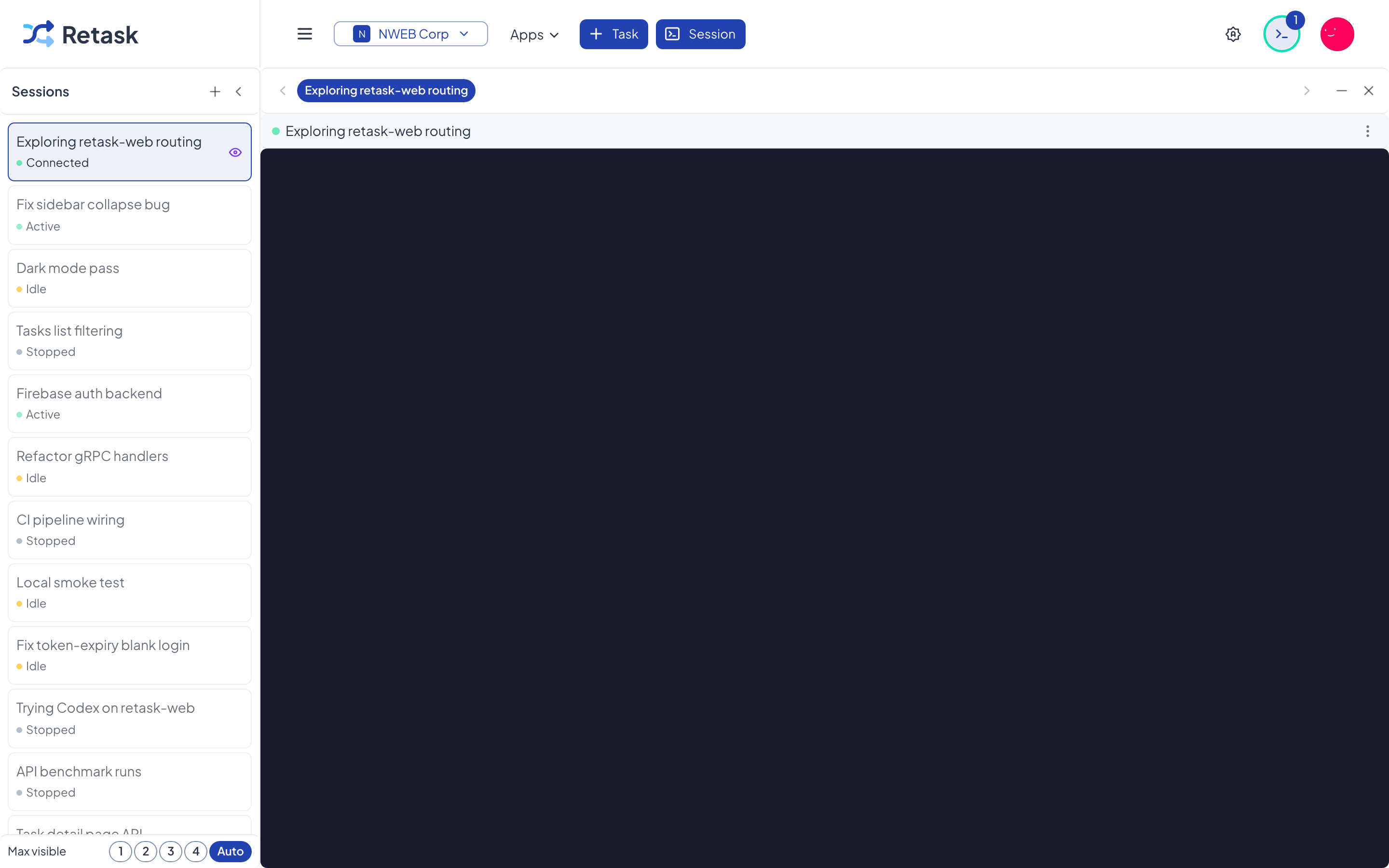
Section titled “Step 4 — Watch the session live”The run opens as a session with a live terminal. Open it to follow along in real time: the agent reads the task, makes changes, and runs commands while you watch. Step in if it needs guidance.
Step 5 — Review the result
Section titled “Step 5 — Review the result”When the session finishes, the work comes back to the task — the durable record of what was done. Review the changes, read the session transcript, and either accept the work or send it back with more detail. Because the task and the run live in the same place, nothing gets lost between “what we wanted” and “what the agent did”.
What to do next
Section titled “What to do next”- Tighten your task descriptions and rerun — small wording changes often make a big difference.
- Set up more agents for different projects or AI providers.
- Automate from the terminal with the Retask CLI.